

 Who are we?

Library Management System
A library management and book cataloguing system: main sections and sub-sections, authors and shelves, a loan record with the borrower's name and return date, and a public search page where library visitors can find any book. It suits school, university, institute and centre libraries, as well as public and private libraries.
Cataloguing books
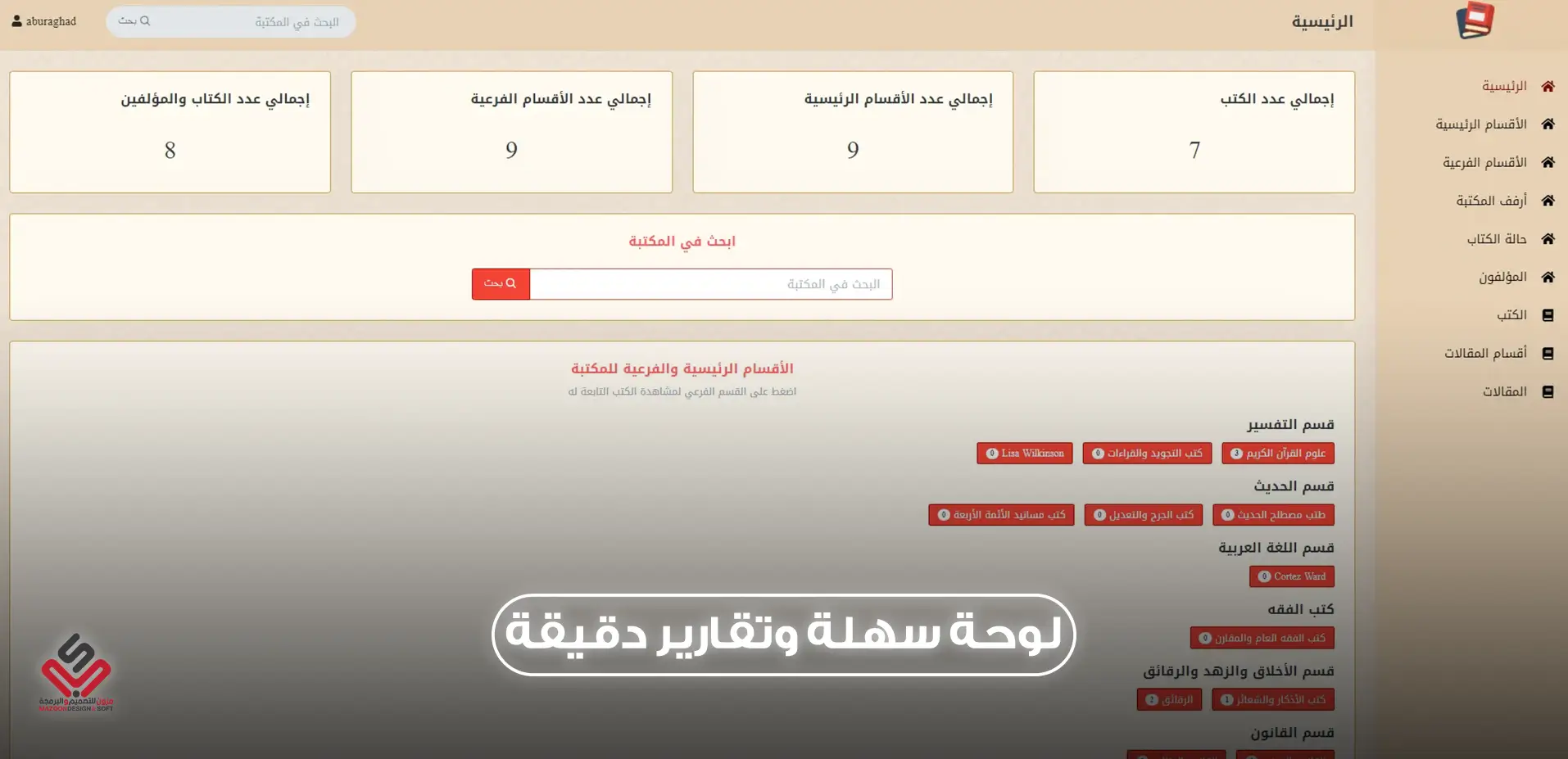
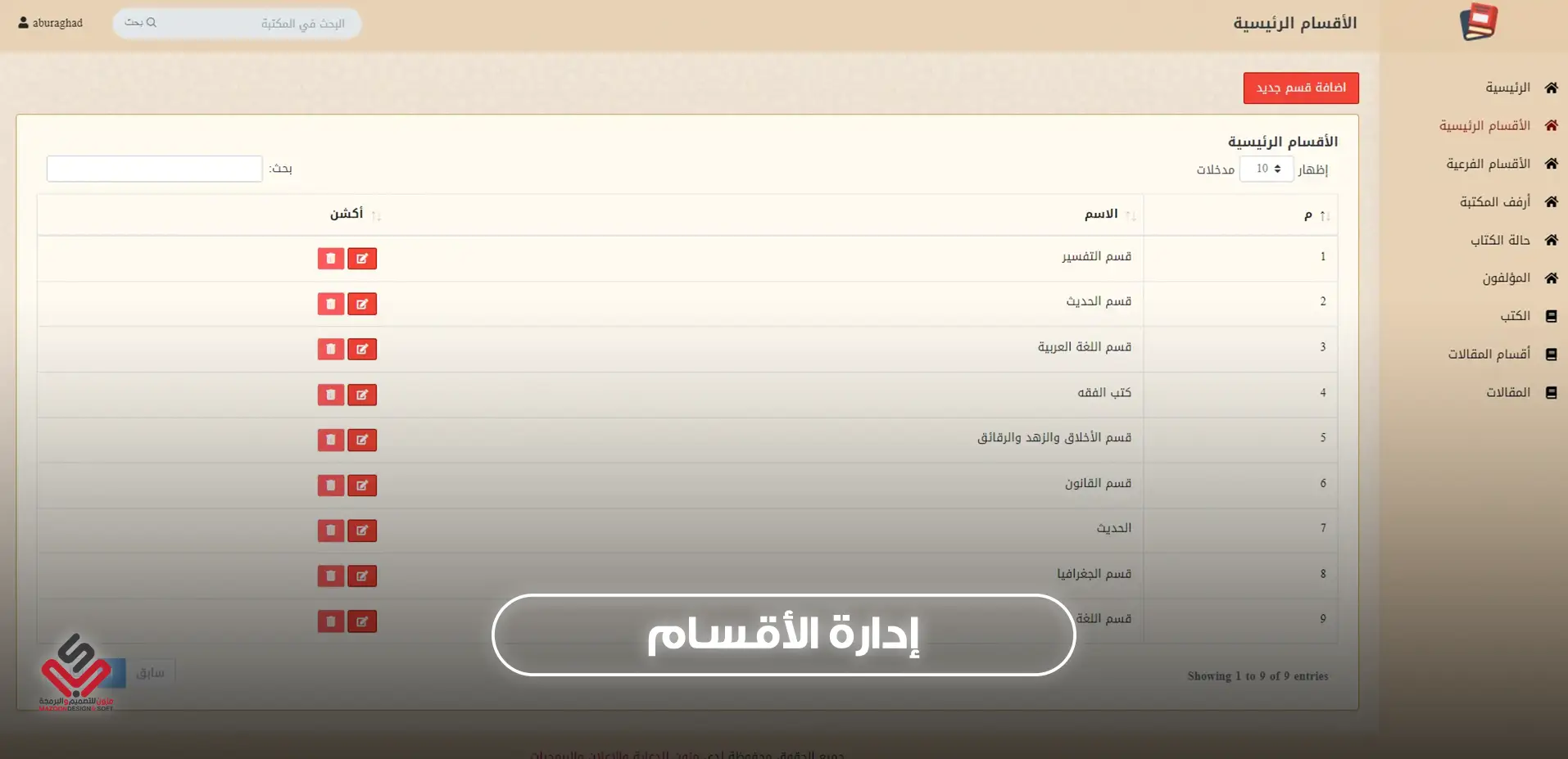
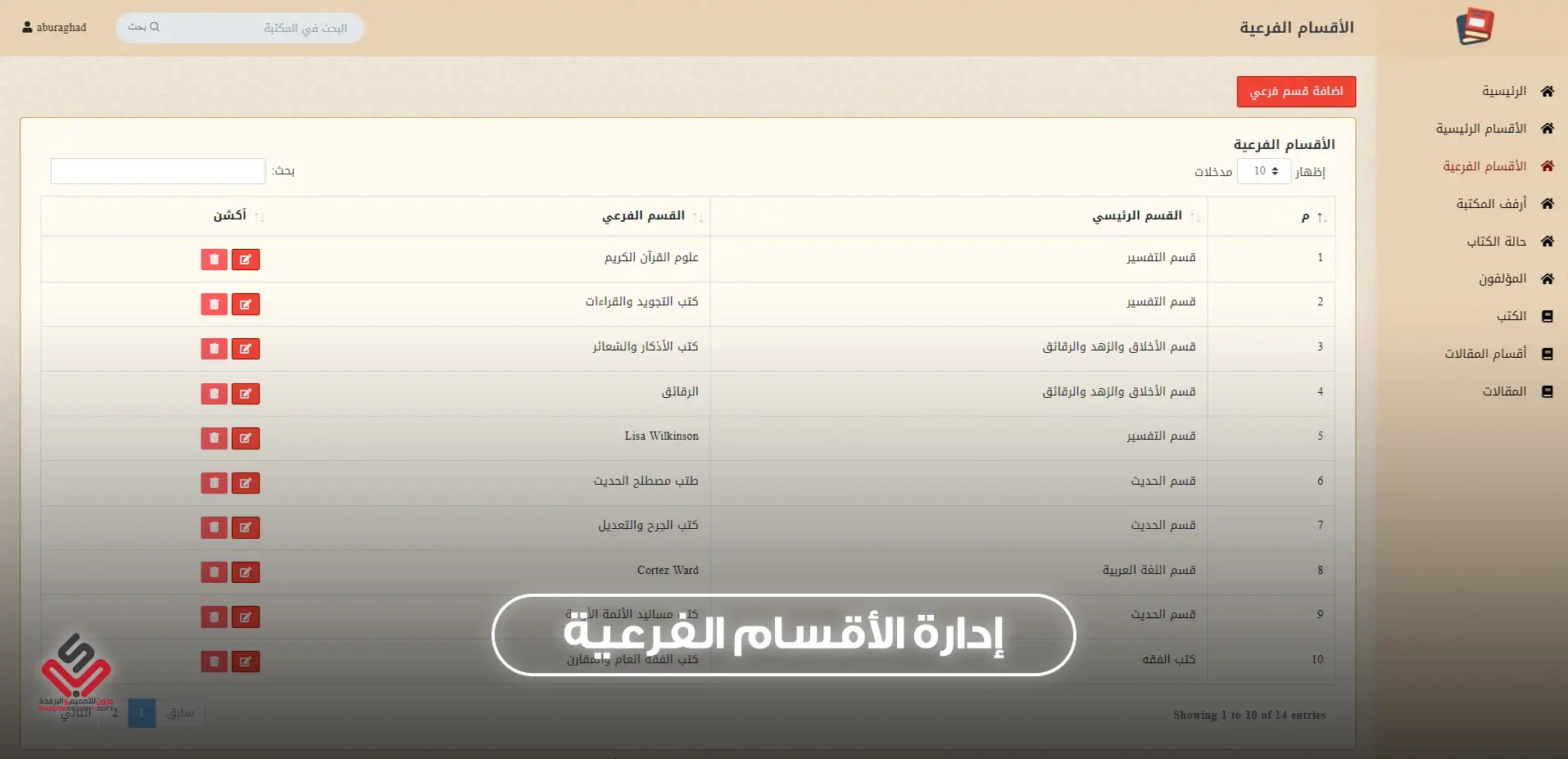
- Unlimited main sections and sub-sections, with as many books as you need under each.
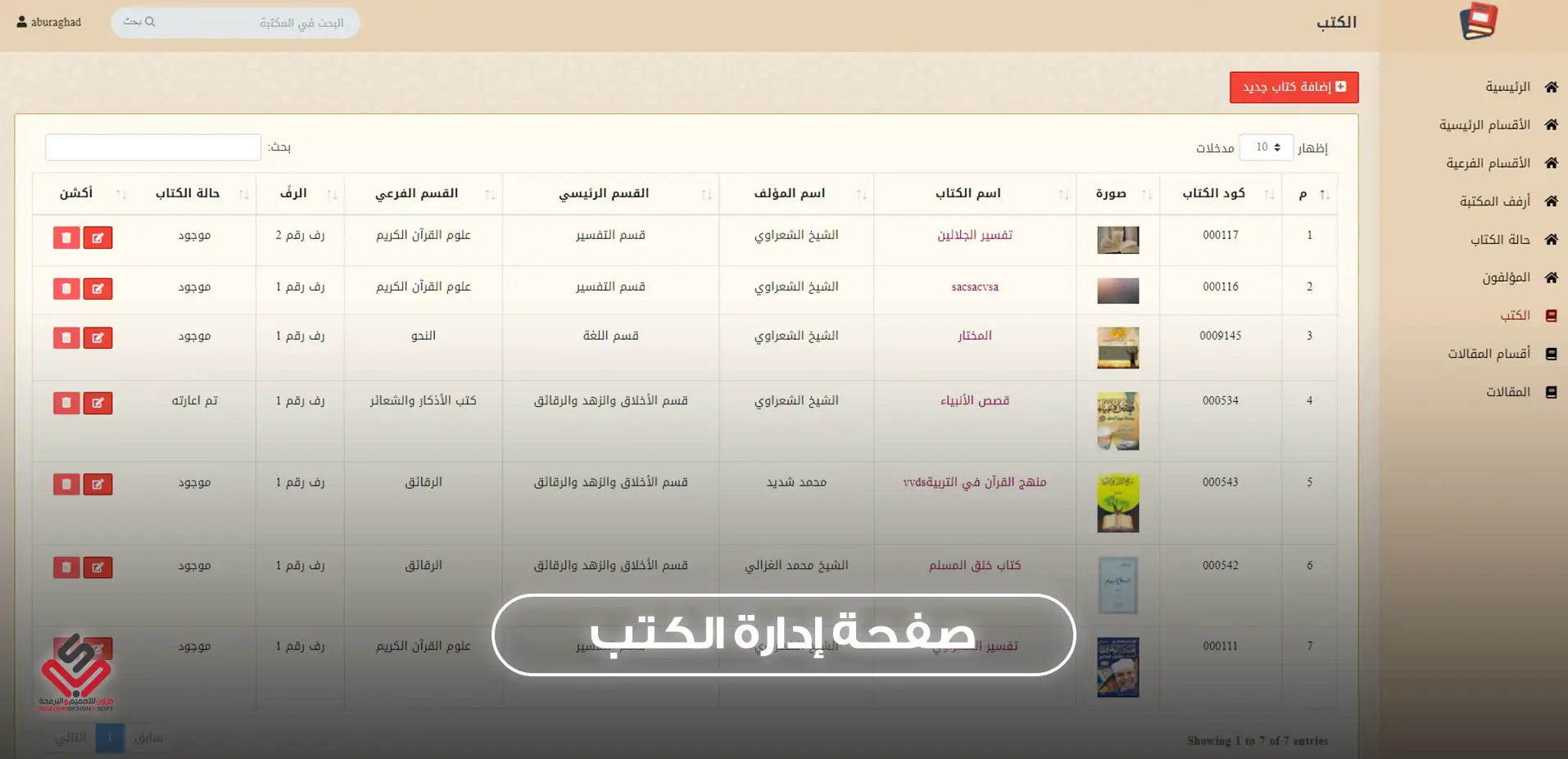
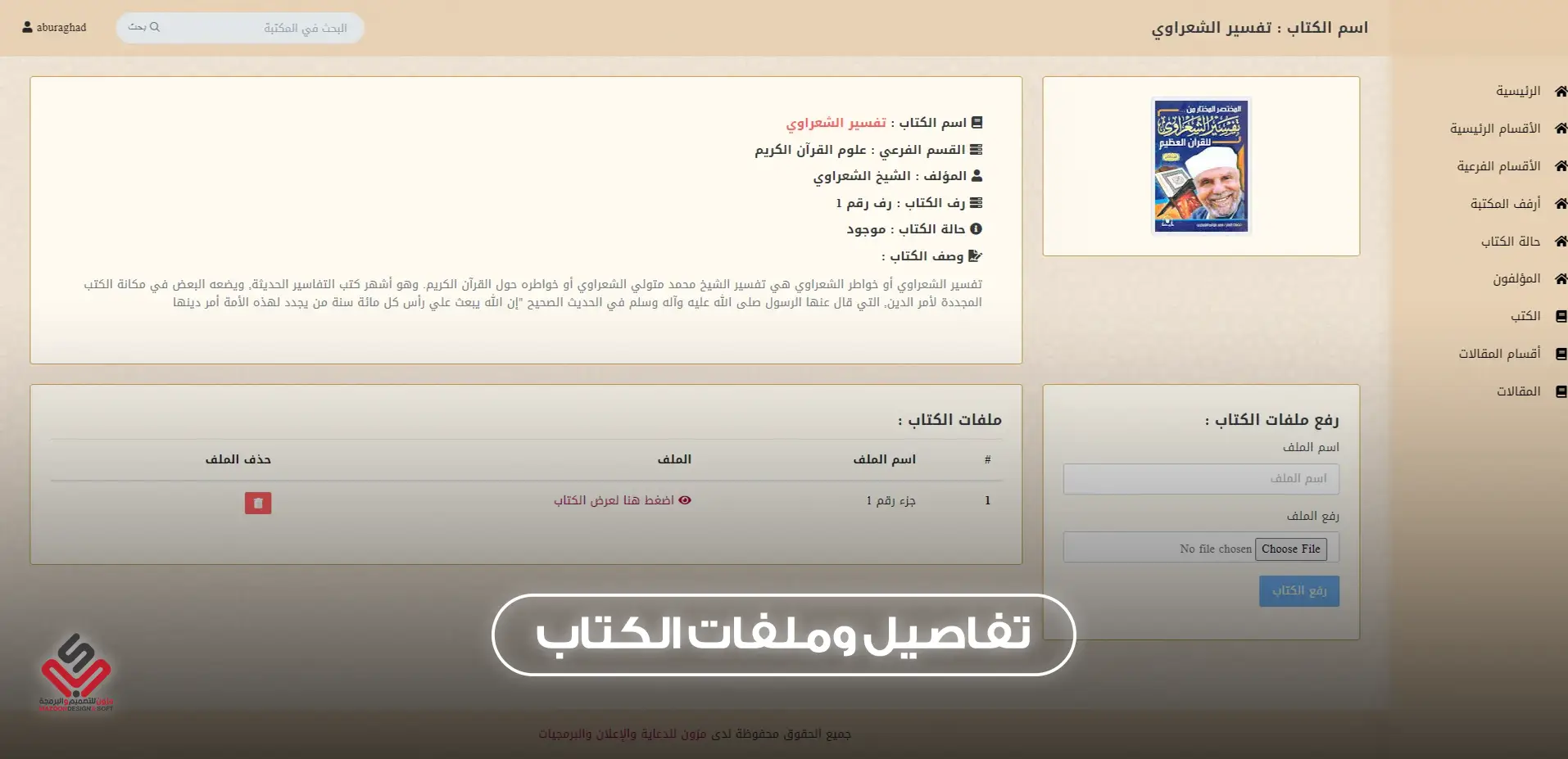
- A record for every book: code, cover image, author, section, shelf, description and attached files.
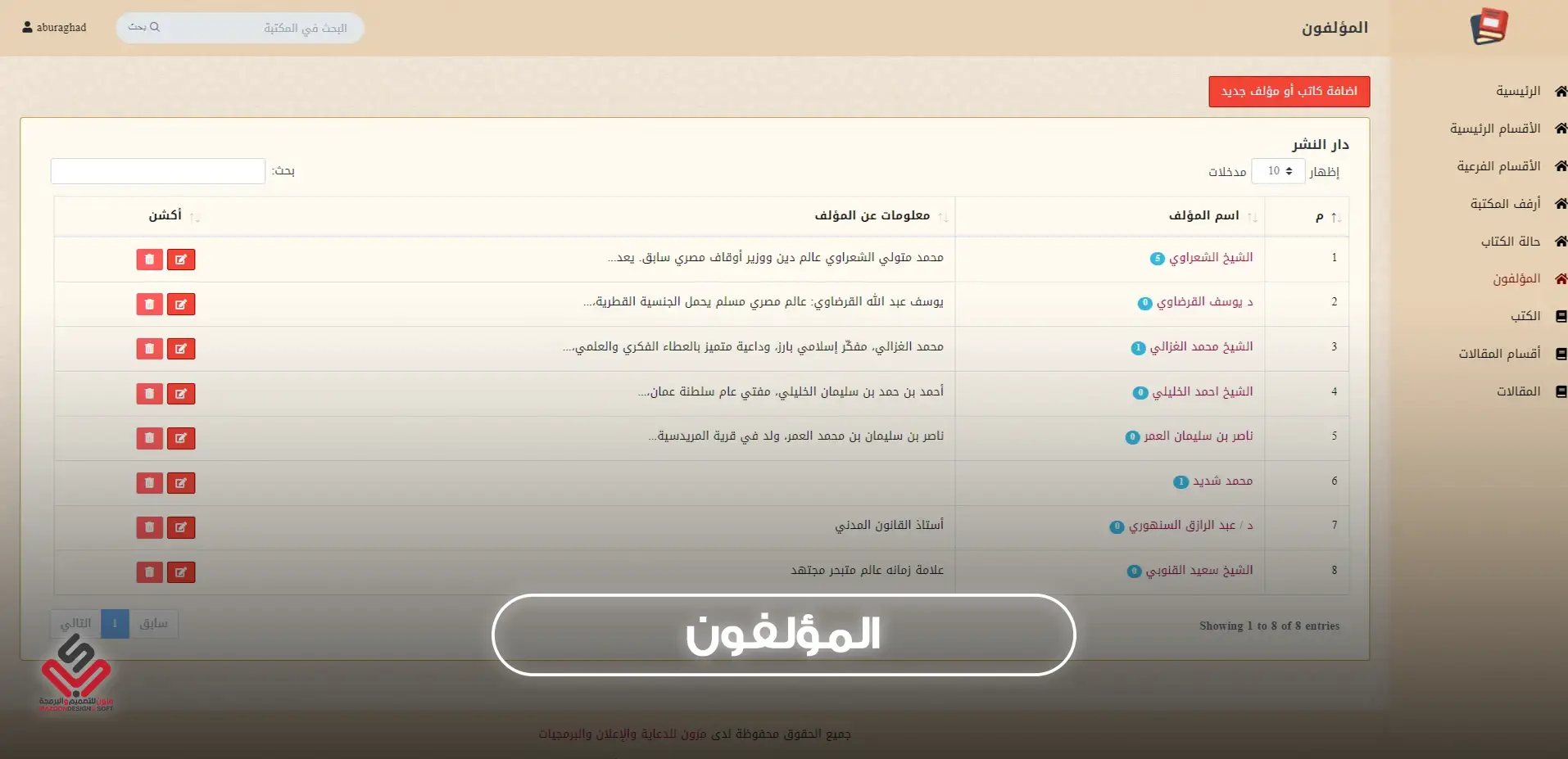
- A page for every author with a short biography and all their books.
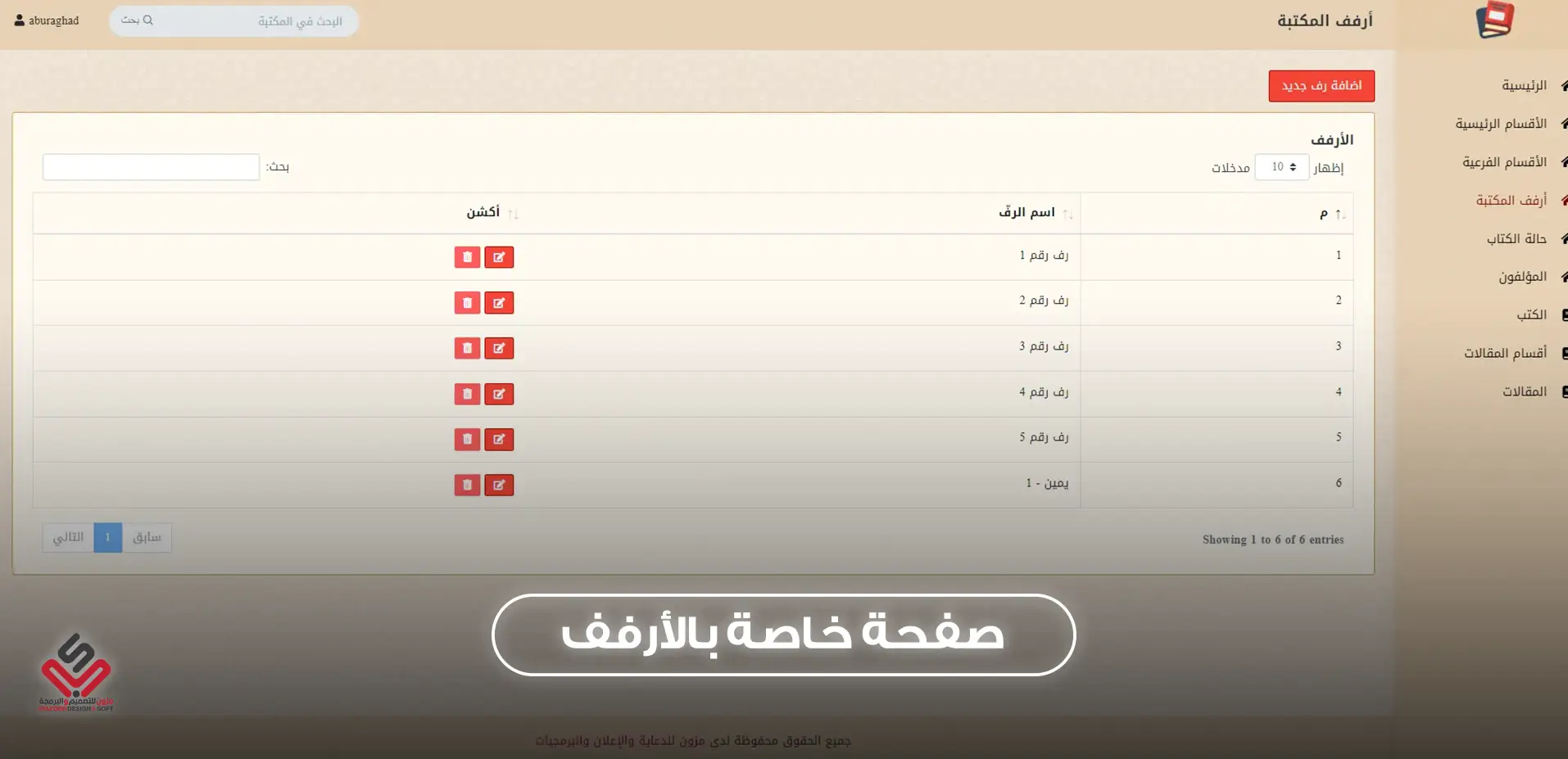
- Library shelves, and where each book sits on them.
Loans and book status
- A loan record with the borrower's name and return date.
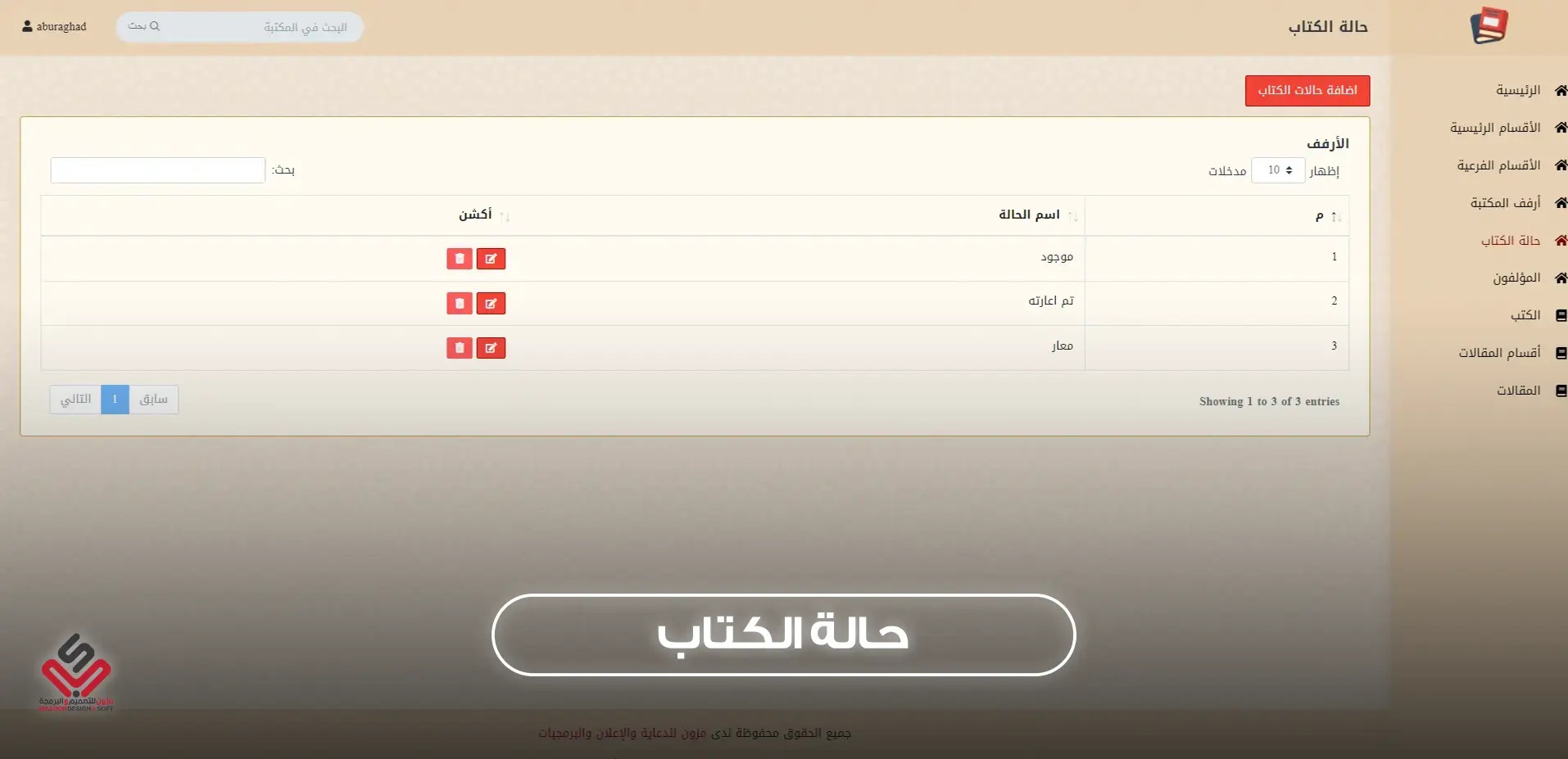
- A status for every book: available, on loan or missing, with the number of books in each status.
Search for visitors and staff
A public search page where visitors look up books by title, author or section, and a quick search inside the dashboard for staff.
Reports and users
- Total books, sections and authors, and the number of books per section and per author.
- Unlimited users, each with their own permissions.
- An articles section with its own categories.
Main Features & Advantages Library Management System

Secure Cloud System
A secure cloud-based system that can be accessed and managed from multiple devices and locations at the same time. Accessible through mobile phones and tablets.

Unlimited Categories
Ability to add unlimited categories for books, with sub-categories under each section. Each category can contain multiple books, making library classification and organization much easier.

Books & Authors Management
Add multiple authors and assign them to books. You can also include author bios or short introductions, helping classify the library by authors.

Library Shelves
Ability to add shelves or book placement locations (e.g., top, bottom, side, or custom areas) for better library organization and classification.

Books Management
Add unlimited books, assign them to categories or sub-categories, select the author, choose the shelf, upload the book cover image, add a short description, and attach files related to the book.

Quick Search
Fast search for any book, author, or category (main or sub-category). Books can also be numbered for easier referencing.

Articles Section
A complete section for articles such as author writings, religious sermons, or research references. Articles can be categorized for quick access.

Comprehensive Reports
Generate detailed reports, such as the number of books under each category, the number of books for each author, and dedicated author pages showing all their related books.

Book Status Management
Add custom statuses for books (e.g., Available – Borrowed – Not Available). You can also generate reports showing how many books fall under each status.
.png)
Users & Permissions Management
Add unlimited users and administrators with role-based access. Permissions can be customized for individual users or groups by the system admin.

24/7/365 Technical Support
Continuous technical and customer support is provided all year round via email, phone calls, or direct WhatsApp communication.

Dedicated Server with Security & Protection
Hosted on a secure private cloud server with a dedicated database, ensuring confidentiality and privacy. Daily backups are included for data safety.

Customizable & Scalable System
One of the key features is flexibility – the system can be customized and developed according to client needs, acknowledging that requirements may differ from one library to another.
Frequently Asked Questions
Yes. It records the borrower's name and return date, and shows each book's status: available or on loan.
Yes. The system has a public search page where visitors look up books by title, author or section.
Yes. It suits school, university, institute and centre libraries, as well as public and private libraries.
Yes. It is cloud-based and works from a computer, phone or tablet, from more than one place at the same time.